

Cells on the Brain…

There are any number of things on my mind at any given moment; choosing one that “pops” into that brain is a difficult task. Looking through AP News and the Facebook feed earlier, I came across a post about a Bible study in the Oval Office. Now, trying to connect a few dots… The First […]
Cells on the Brain…
The simple way to scan documents with your Android phone
One easily overlooked way your phone can save you time and frustration is by serving as a quick ‘n’ simple on-the-go document scanner. Google actually offers two useful tools for scanning and managing physical papers — and both can come in quite handy when you find yourself needing to save or share any sort of document, card, or receipt.
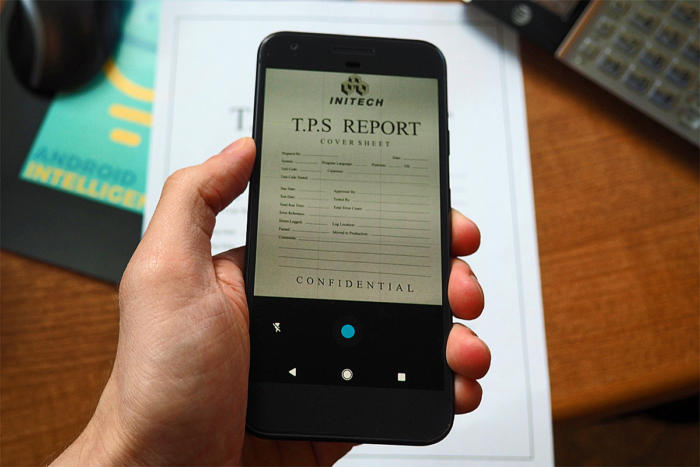
Two invaluable tools (and plenty of related tips) for the next time you encounter an important piece of paper.
Source: The simple way to scan documents with your Android phone | Computerworld